Building a Distributed AI Learning Coach iOS App with Antigravity
This is a follow-up article to AI Learning Coach where we transform the stand-alone product into a full-fledged app.
Motivation
As a continuous learner, I’ve always been driven to find better ways to master new topics. The initial concept for the AI Learning Coach was simple: a tool to help me plan, study, and test myself effectively. However, my ambitions grew beyond just a personal script. I wanted to understand how to build agents with persistent memory and explore the capabilities of Google’s Antigravity IDE.
This project represents a significant milestone in that journey. It’s not just about the learning outcomes for the user, but about my own learning process in engineering a full-stack, agentic application. I’m sharing this now because I’m eager to test the agent with a wider audience and demonstrate how powerful these tools can be when orchestrated correctly.
The Application: From CLI to Distributed System
The project has evolved from a local Python CLI utility into a robust distributed client-server application. This shift was necessary to create a product that is accessible, scalable, and provides a premium user experience.
The backend acts as the logic core, wrapping a sophisticated agentic workflow in a FastAPI service running on Docker. The frontend is a native iOS application built with SwiftUI, designed to feel like a premium educational product.
Walk-through: A User’s Journey

Let’s look at how the application works by following a user’s journey to learn a new topic, like “Program Management”.
1. Starting a Project
The journey begins on the Home View. Here, the user can manage their portfolio of learning topics. The app persists state locally and syncs with the server, so progress is never lost.
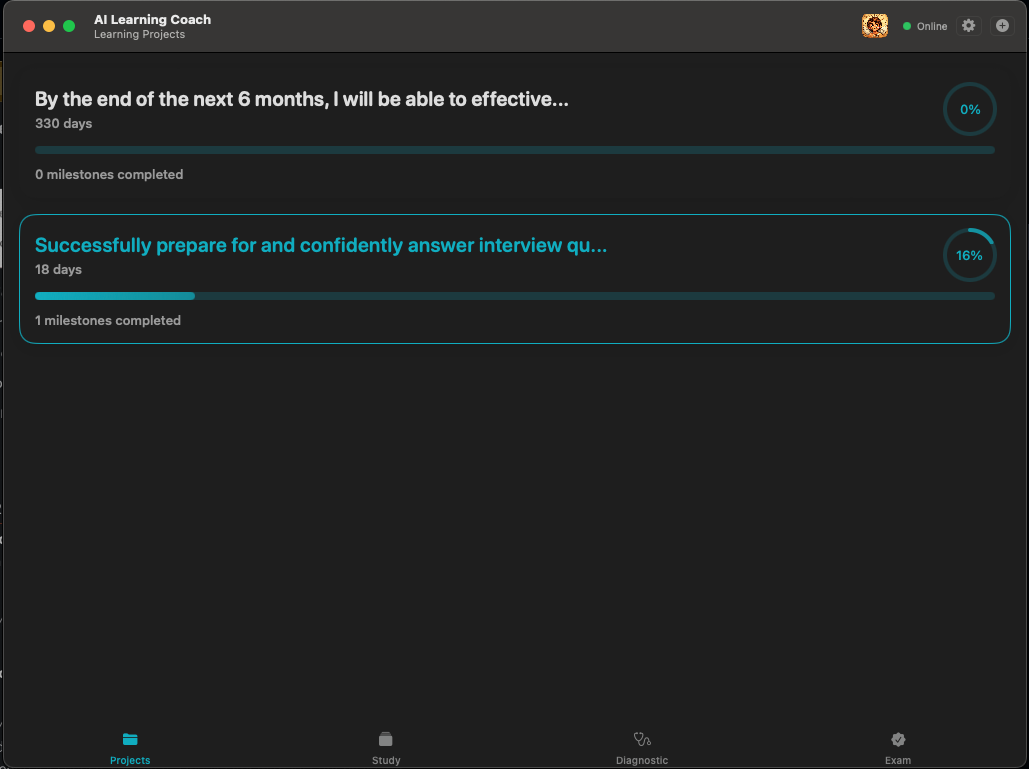 Figure 1: The Home View showing active learning projects.
2. Diagnosis and Planning
Before generating a curriculum, the DiagnosticAgent intervenes. It interviews the user with a 10-question quiz to establish a baseline. This ensures the GoalAgent doesn’t create a plan that is boringly easy or discouragingly hard.
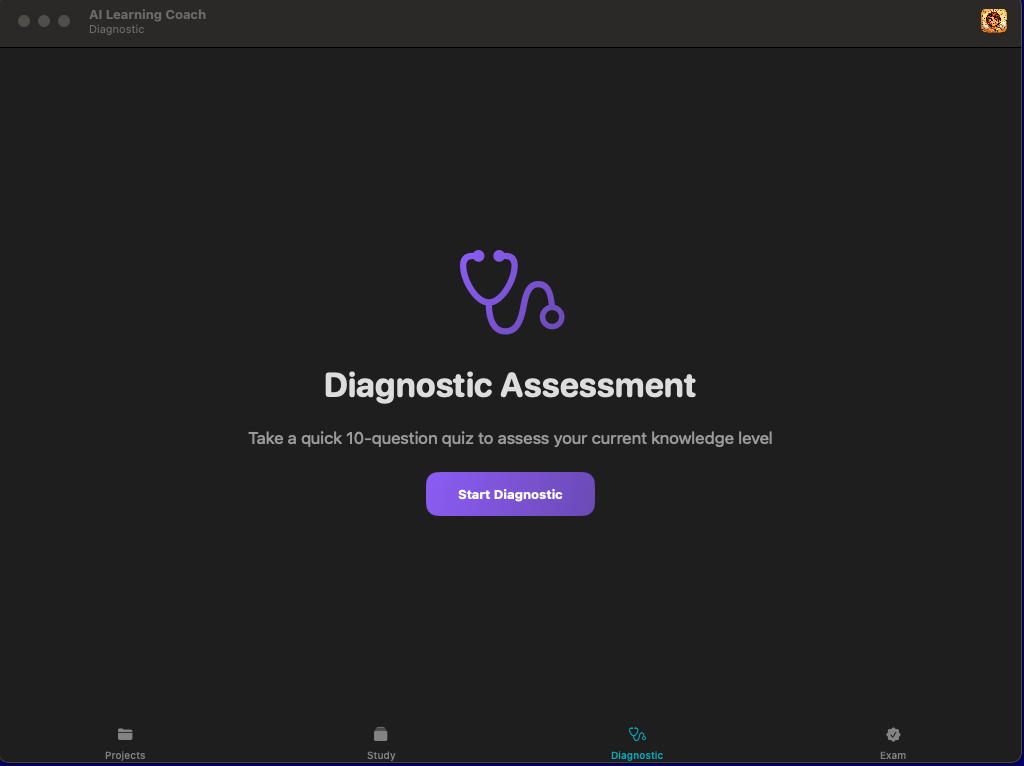 Figure 2: The Diagnostic View assessing baseline knowledge.
Once assessed, the agent builds a custom Learning Plan broken down into 30-day milestones. The Milestone View gives the user a clear roadmap of what to focus on next.
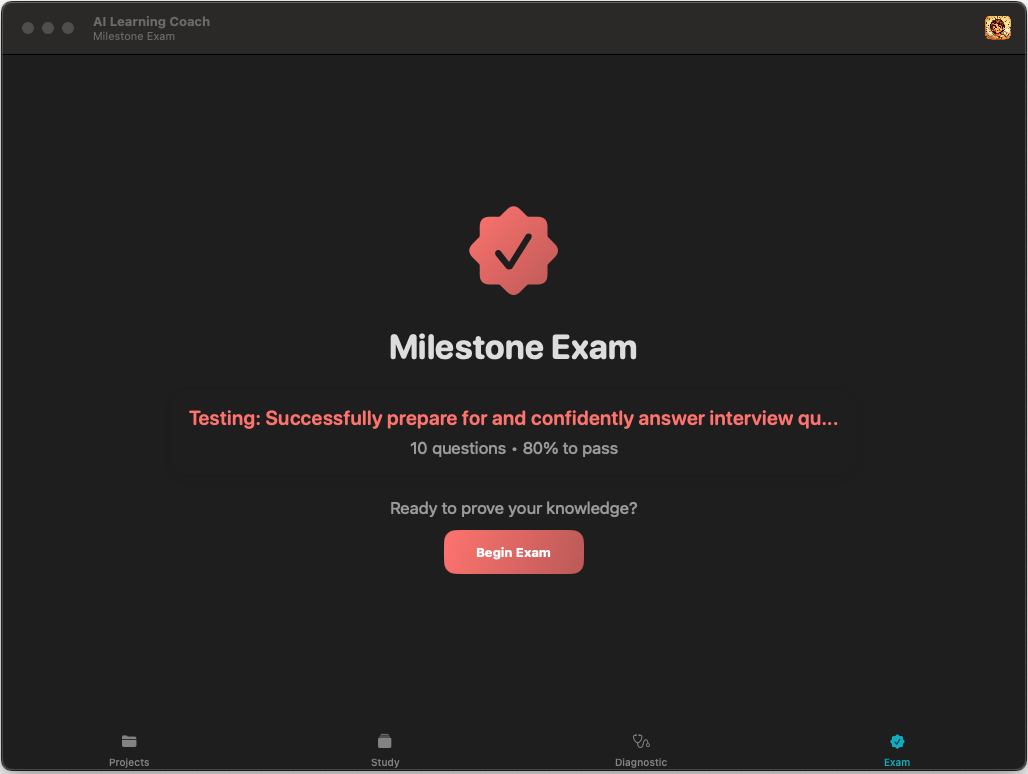 Figure 3: Tracking progress through specific learning milestones.
3. Deep Study
For each milestone, the OptimizerAgent acts as a content creator. It generates high-quality flashcards tailored to the specific concepts of that stage. The iOS app implements a native Spaced Repetition System (SM-2), allowing the user to study efficiently, flipping cards to test their Active Recall. 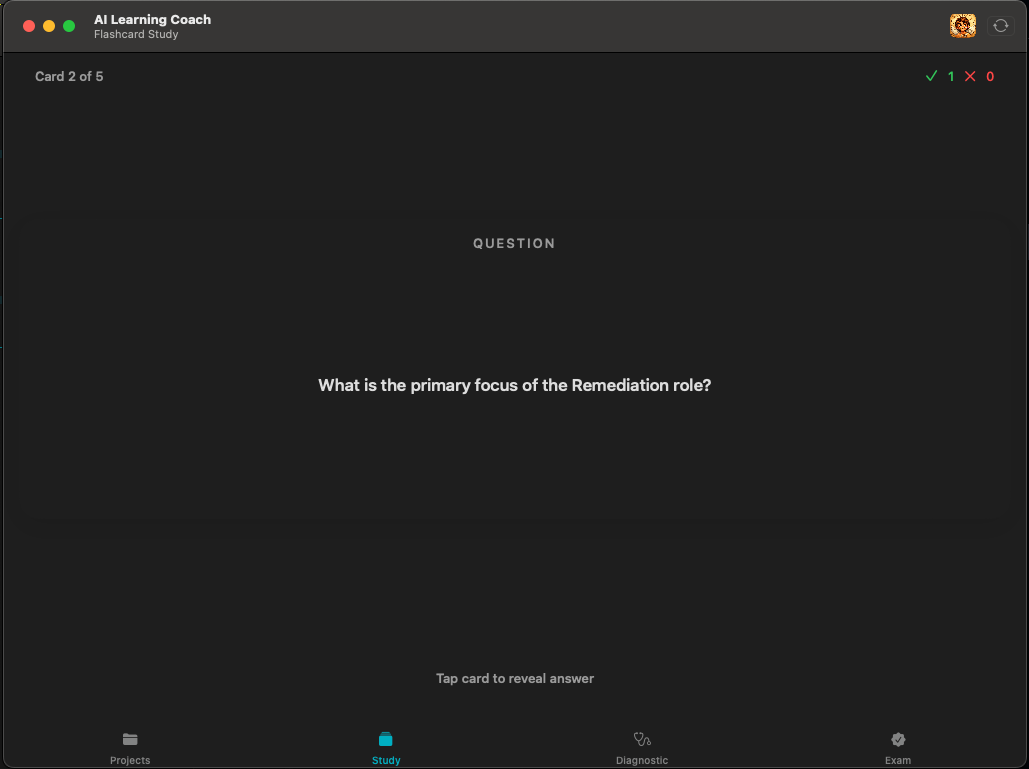
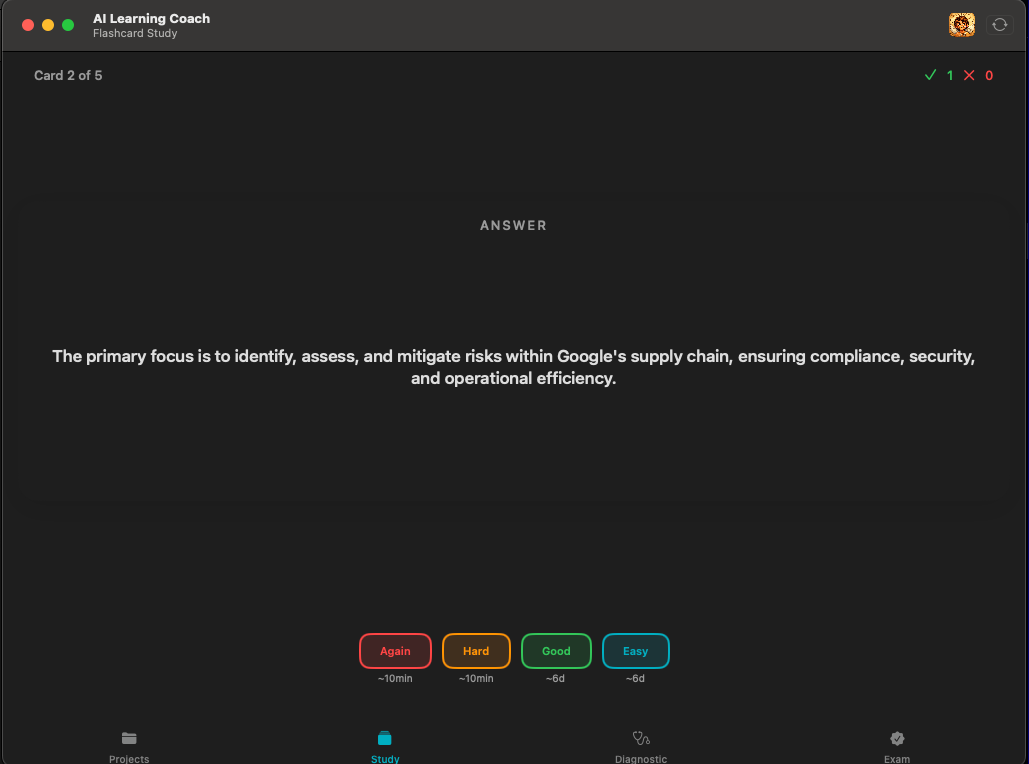 Figure 4: Studying flashcards with the native interface.
4. Assessment and Progression
Finally, after the study phase, the ExaminerAgent generates a rigorous exam. It doesn’t just test the new material; it remembers previous milestones and includes questions on past topics to ensure long-term retention. A score of 80% is required to unlock the next milestone.
Architecture & Design
The system follows an Orchestrator-Worker pattern. The backend acts as the controller, managing state and delegating specific cognitive tasks to specialized, stateless agents.
The Backend: AI-Powered Orchestration
- Multi-Tenancy: Support for multiple users via
X-User-IDheaders, partitioning data securely. - Caching: Intelligent server-side caching for flashcards (
.coin_cache/{user}/{project}/) prevents redundant LLM calls. - Stateless Agents: The core AI logic serves requests on demand without retaining process-local state.
The Agentic Workflow
We use four specialized agents, all powered by Gemini 2.0 Flash Lite:
- GoalAgent: The Planner. Converts broad topics into SMART learning plans.
- DiagnosticAgent: The Assessor. Generates baseline quizzes.
- OptimizerAgent: The Content Creator. Generates Anki-style flashcards.
- ExaminerAgent: The Teacher. Evaluates answers and decides progression.
Self Assessment: The Road to Production
I recently conducted a critical analysis of the application, upgrading its internal grade from a C+ (MVP) to a B+ (Production-Ready).
What’s Working Well:
- State Management: The persistence layer is robust. The app remembers where you left off.
- Caching: Server-side flashcard caching significantly reduced API latency and costs.
- Separation of Concerns: The “Core” (Agents) remains untouched by the “Adapter” (API/UI) changes.
Areas for Improvement:
- Conflict Resolution: Handling data sync conflicts if a user modifies state on multiple devices offline.
- Error Recovery: improving graceful degradation during partial network failures.
- Analytics: Implementing telemetry to understand how users interact with the agents.
Next Steps
This project has been an incredible playground for learning Antigravity and Agentic Design Patterns. The next steps are:
- Beta Testing: Releasing the iOS app to a small group of testers to gather real-world feedback.
- Advanced RAG: Exploring Retrieval Augmented Generation to support highly technical domains.
- Community: I invite you to check out the code and contribute!
Check out the code on GitHub.
Built with Gemini 2.0 and Google Antigravity.